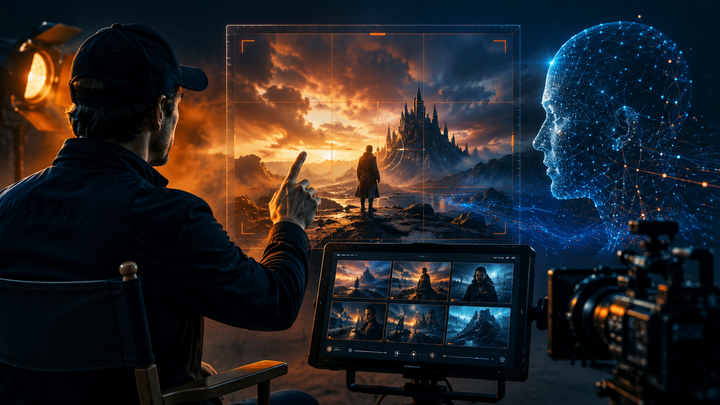
How to Create Studio-Quality AI Explainer Videos Without the Workflow Chaos
Creating AI explainer videos shouldn't mean juggling five apps, endless tabs, and disconnected workflows. Discover how Vimerse Studio brings scripting, character creation, voiceover, image and video generation, and export into one streamlined AI video workflow.

Explainer videos have one job: make something complicated feel simple.
Ironically, creating one with AI has become anything but simple.
You write the script in one tool, generate images in another, animate them somewhere else, create the voiceover in another tab, and finally drag everything into an editor hoping it all comes together.
Five apps later, your desktop is a mess, your credits are disappearing, and the friendly spokesperson from scene one somehow looks like their distant cousin by scene four.
AI video generation has become incredibly powerful. The workflow around it hasn't.
That is the problem Vimerse Studio is designed to solve.
Instead of adding another generator to your stack, Vimerse Studio brings the entire AI video creation process into one desktop workflow, connecting leading image, video, and voice models from the initial idea through to final export.
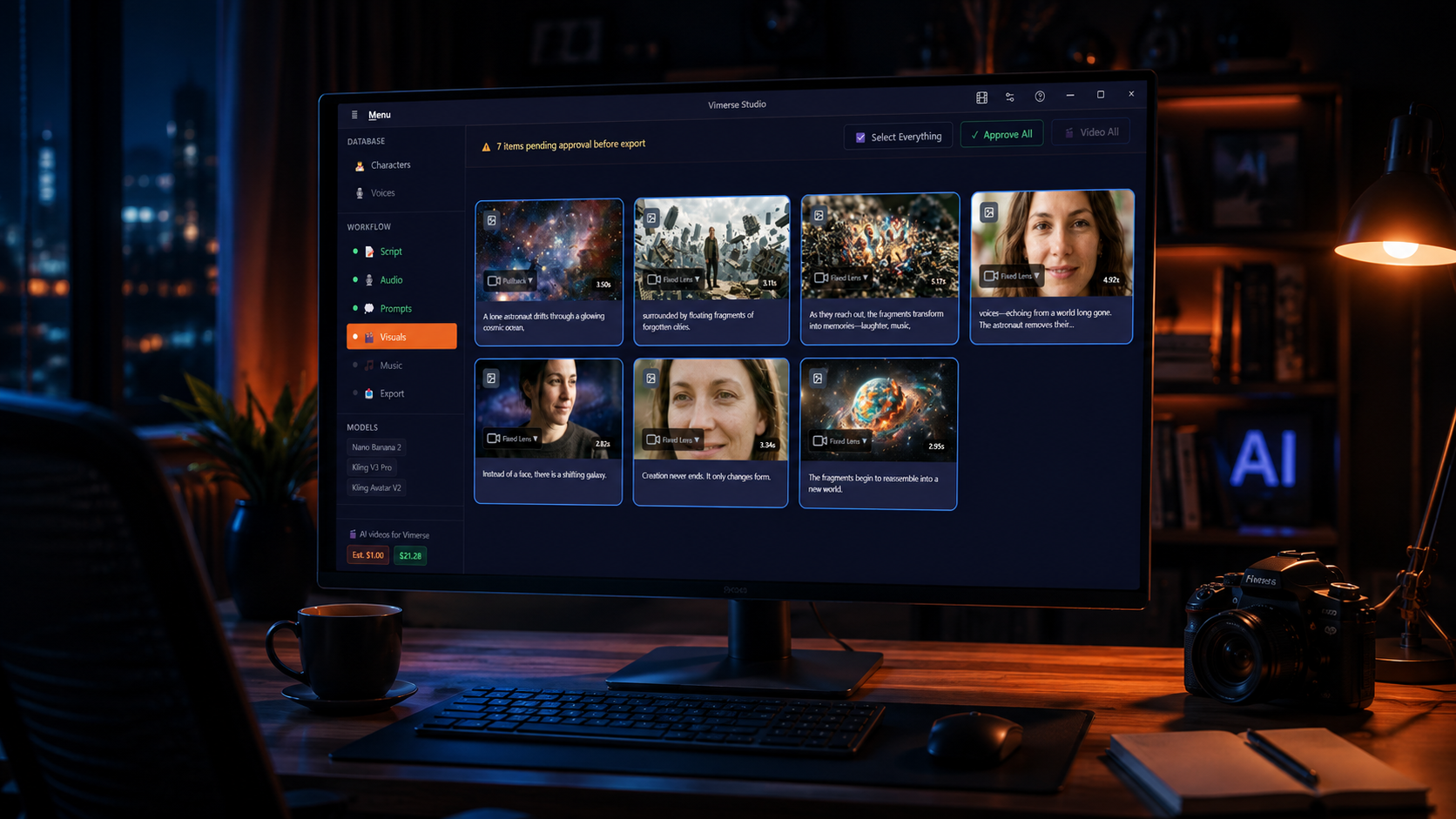
From an Idea to a Finished Explainer in One Workflow
Vimerse Studio follows a simple seven-step production process:
1. Select your models. Choose image models including Flux, Imagen, Seedream, Recraft, Qwen, and Nano Banana, plus video models such as Veo, Kling, Seedance, and OmniHuman.
2. Create your character. Define your presenter, mascot, or protagonist before generating scenes so their appearance stays consistent throughout the video.
3. Write your script. Bring your own script or use AI to help create and refine it directly inside Vimerse Studio.
4. Generate the voiceover. Turn your script into narration using integrated ElevenLabs voices across 11 languages, with lipsync support for speaking characters.
5. Create your prompts. Vimerse Studio automatically transforms the script into visual shot prompts, connecting what viewers hear with what they see.
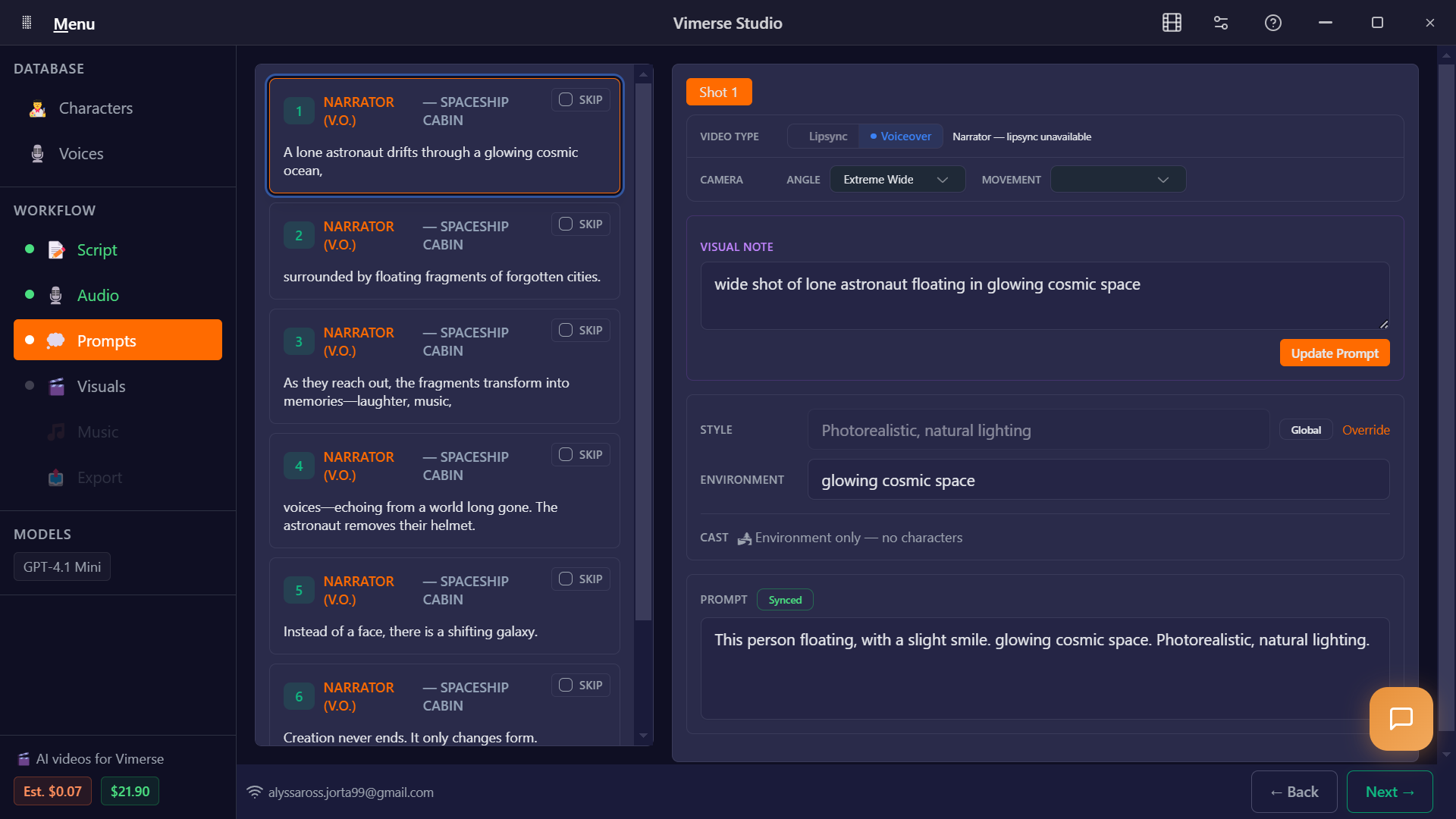
6. Generate images and video. Create still images first to establish the framing and composition, then turn your approved shots into video using your chosen model.
7. Export. Finish with a standard MP4 or export your project as a Premiere Pro XML when you want more control in post-production.
Instead of repeatedly downloading, uploading, renaming, and reorganizing assets, the entire production moves through one connected pipeline.
But for explainer videos specifically, one part of this workflow matters more than almost anything else.
Your Character Shouldn't Change Every 10 Seconds
Imagine watching an explainer where the presenter has glasses in one scene, loses them in the next, changes hairstyles halfway through, and somehow ages ten years before the conclusion.
It might be funny once. It is not great for credibility.
Explainer videos depend on visual continuity. Whether your video features a SaaS spokesperson, animated mascot, teacher, scientist, or fictional character, viewers need something recognizable to guide them through the story.
Vimerse Studio lets you define that character before generating your scenes, helping maintain the same face, appearance, and core styling throughout the video.
That consistency does more than make the video prettier. It removes distractions.
Your viewer should be thinking about your message, not wondering why your presenter suddenly became a different person.
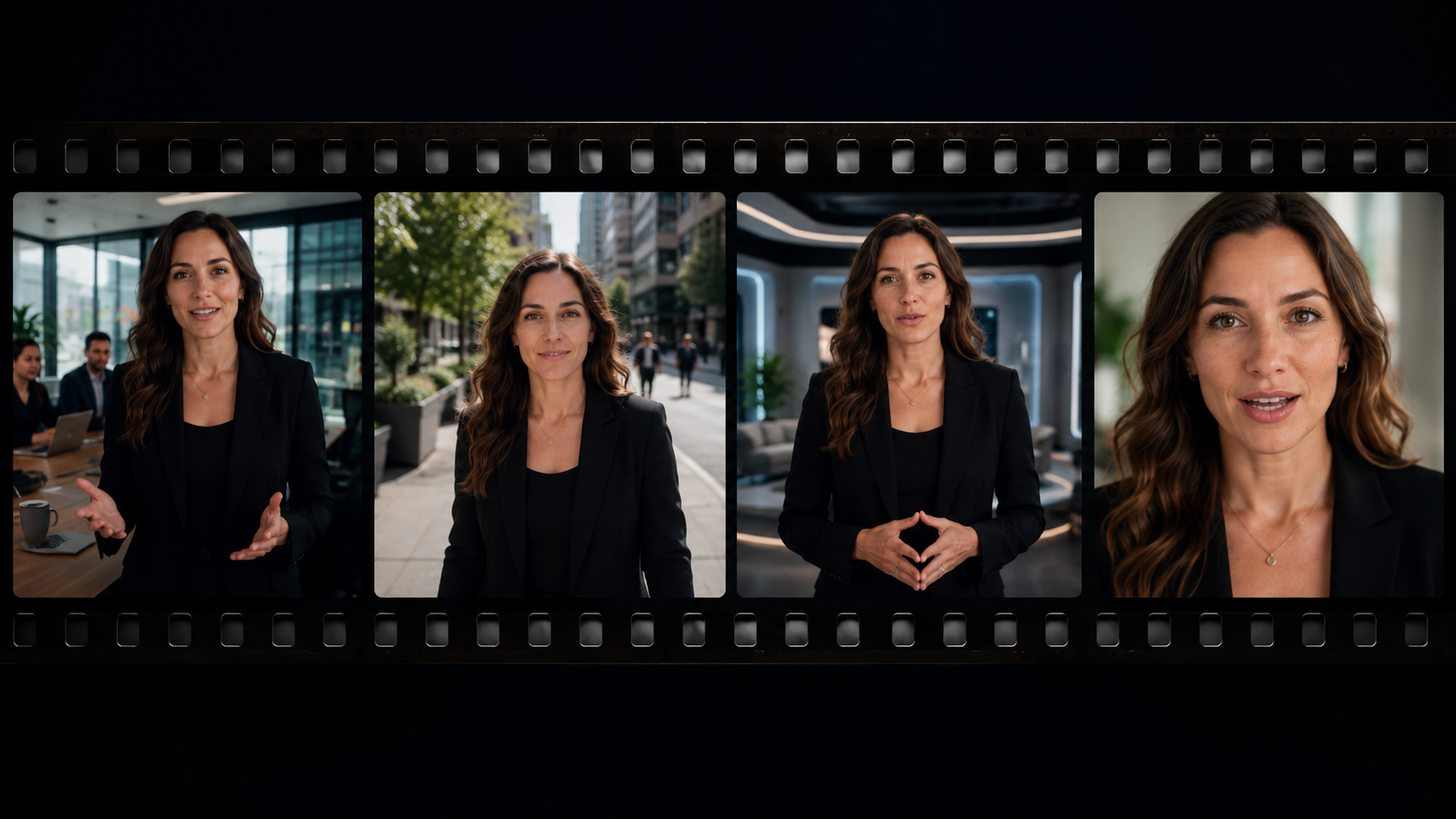
And when every scene feels like it belongs to the same production, the finished video starts looking less like a collection of AI generations and more like an actual film.
Know What Your AI Video Costs Before You Generate It
There is another headache hiding behind most AI video workflows: the subscription stack.
When your script, images, video, voiceover, and editing all come from different platforms, those monthly fees can pile up quickly. Add confusing credit systems on top, and calculating what one finished video actually costs becomes surprisingly difficult.
Vimerse Studio takes a different approach.
There is no recurring subscription for the desktop software. Standard is a $49 one-time purchase, while Pro is $299. After that, you pay for the generations you actually use.
More importantly, Vimerse Studio shows the per-second generation cost before you click Generate.
No converting mysterious credits into dollars after the fact. You can see what a generation will cost before committing to it.
For solo creators and small studios, that makes experimenting with AI video much easier to budget. Create when you need to create. If you take time away from production, you are not paying another monthly software subscription just to keep the workflow available.
AI Video Is Getting Better. Now the Workflow Needs to Catch Up.
The future of AI explainer videos will not be decided by who can open the most browser tabs or master the most complicated tool stack.
It will come down to who can turn an idea into a clear, consistent, genuinely engaging video without losing hours managing the process behind it.
That is where Vimerse Studio becomes interesting. Instead of asking creators to become experts in five different platforms, it brings the pieces together so you can spend more time thinking about the story, visuals, and message.
Because your audience does not care how many AI tools you used.
They care whether the video is worth watching.
Try Vimerse Studio free at https://vimerse.app.