Master AI Video Control for Consistent Cinematic Shots
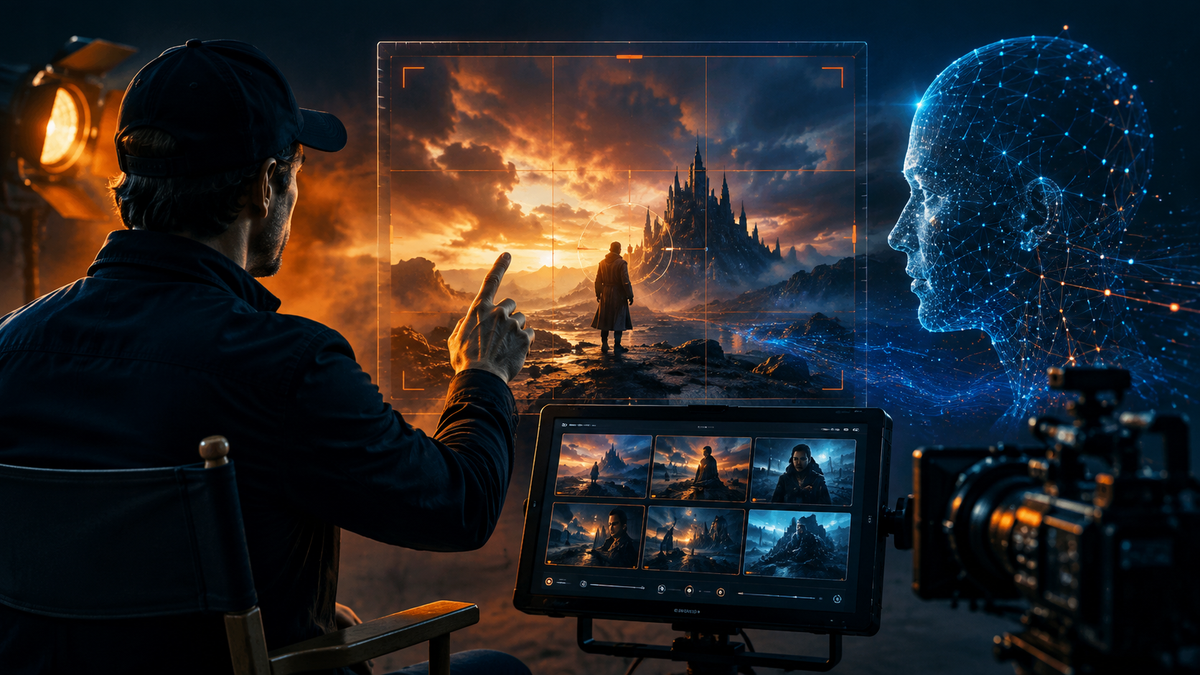
AI video has gotten seriously good.
The problem? Good-looking doesn't always mean controllable.
You can describe the perfect cinematic shot, specify the lighting, camera movement, mood, and subject, then hit Generate and watch the AI do something completely different.
Your slow push-in becomes a random zoom. Your character walks in the wrong direction. The camera drifts. Faces change. Objects mysteriously appear.
At some point, you stop feeling like a director and start feeling like you're negotiating with the model.
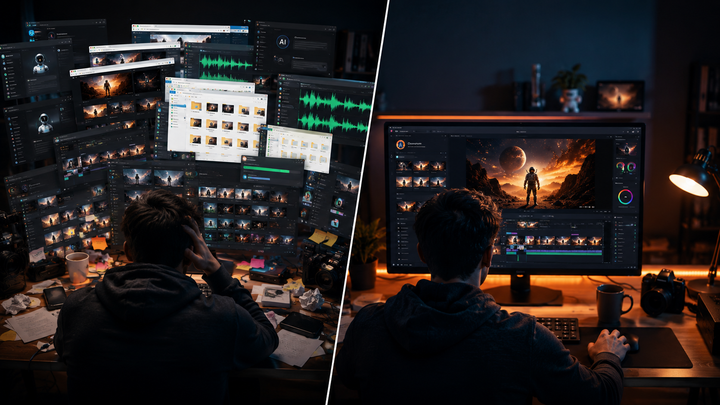
And if you want to compare how Veo, Kling, or Seedance handles the same scene, things get even messier. Multiple tabs, downloads, uploads, subscriptions, and folders later, more time has been spent managing AI than actually creating with it.
That's where Vimerse Studio takes a different approach.
Rather than competing with individual AI models, Vimerse Studio connects them inside one desktop filmmaking workflow, giving creators more control over how a project moves from idea to finished video.
One Film. One Connected Workflow.
Vimerse Studio takes what normally happens across several apps and turns it into one seven-step production flow:
1. Select your models. Choose from image models such as Flux, Imagen, Seedream, Recraft, Qwen, and Nano Banana, plus video models including Veo, Kling, Seedance, and OmniHuman.
2. Create your character. Establish your protagonist early to maintain a consistent identity across scenes.
3. Write your script. Write manually or use AI to help shape the narrative.
4. Generate your voiceover. Use integrated ElevenLabs voices across 11 languages, with lipsync support.
5. Create your prompts. Turn the script into detailed visual instructions automatically.
6. Generate images and video. Establish composition, lighting, and mood with still frames before bringing them to life with your selected video model.
7. Export. Finish as an MP4 or send the assembled project into Premiere Pro using XML export.
It is a much cleaner way to create. But there's one feature that becomes especially interesting when you want to direct AI rather than simply prompt it.
Tell AI Exactly Where Your Shot Should Start and End
Text prompts are powerful, but there is still interpretation involved.
Ask for “a slow cinematic push toward a woman standing at the end of a neon-lit hallway” and the model has to decide exactly what that means.
What if you could show it instead?
Vimerse Studio's First & Last Frame transitions let you define both ends of a shot: what viewers see when it begins and what they should see when it finishes.
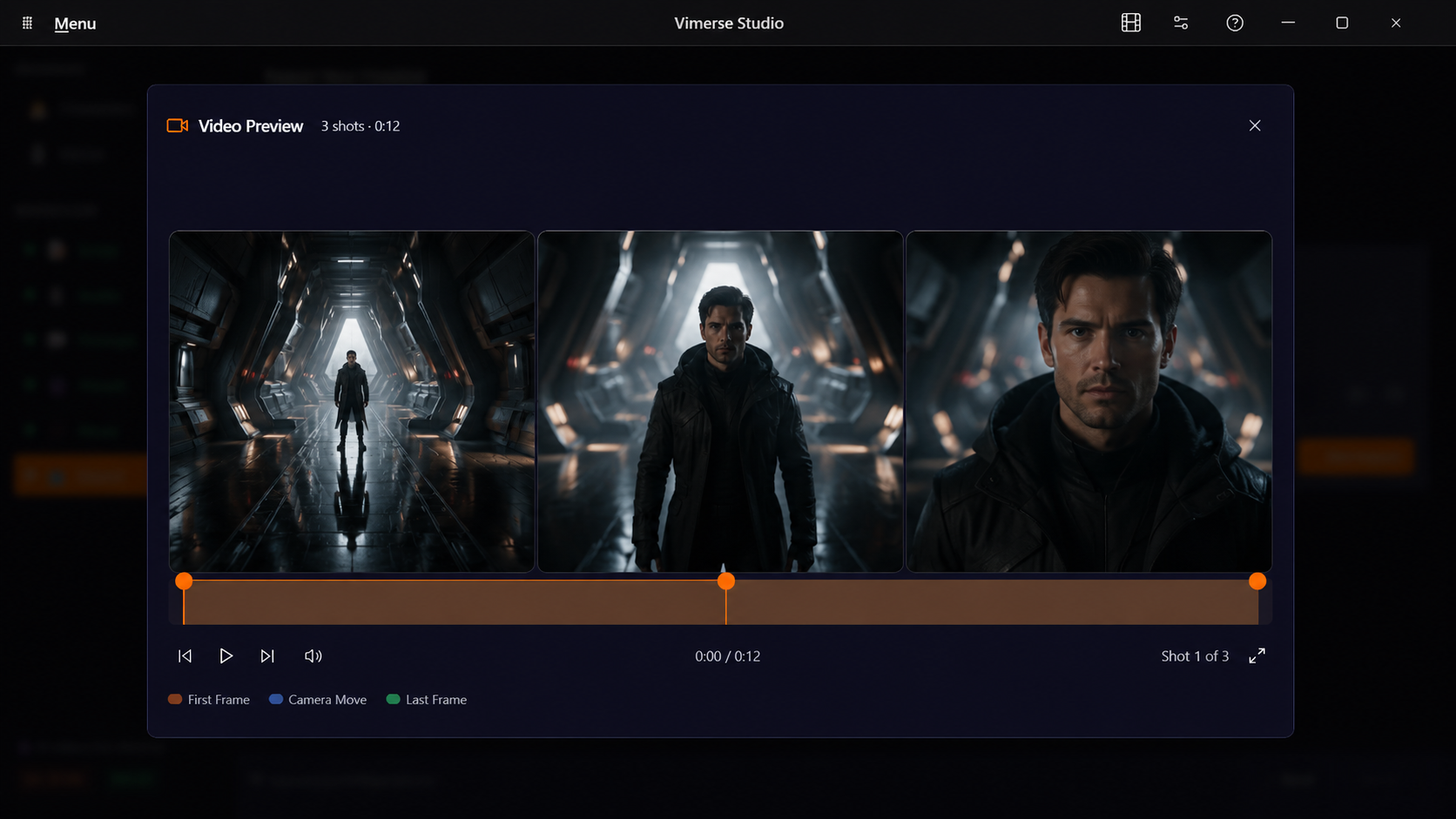
Want a slow push-in? Start wide and end close.
Want someone to reach across a desk and pick up an object? Establish their starting position, then create an ending frame with the object in their hand.
Want the camera to reveal something behind your character? Design the opening and final compositions first.
Instead of leaving the entire trajectory to chance, you are giving the video model two clear visual destinations and asking it to create the movement between them.
That small difference changes the creative mindset from:
“Let's see what AI gives me.”
to:
“This is where I want the shot to go.”
And that feels much closer to directing.
Consistency Is What Makes AI Look Cinematic
Control is not only about camera movement.
A beautiful shot quickly falls apart when the character changes halfway through it or the lighting suddenly shifts between scenes.
That is why Vimerse Studio combines First & Last Frames with character consistency and an image-first workflow. You can establish the composition and visual identity of a scene before committing to video generation.
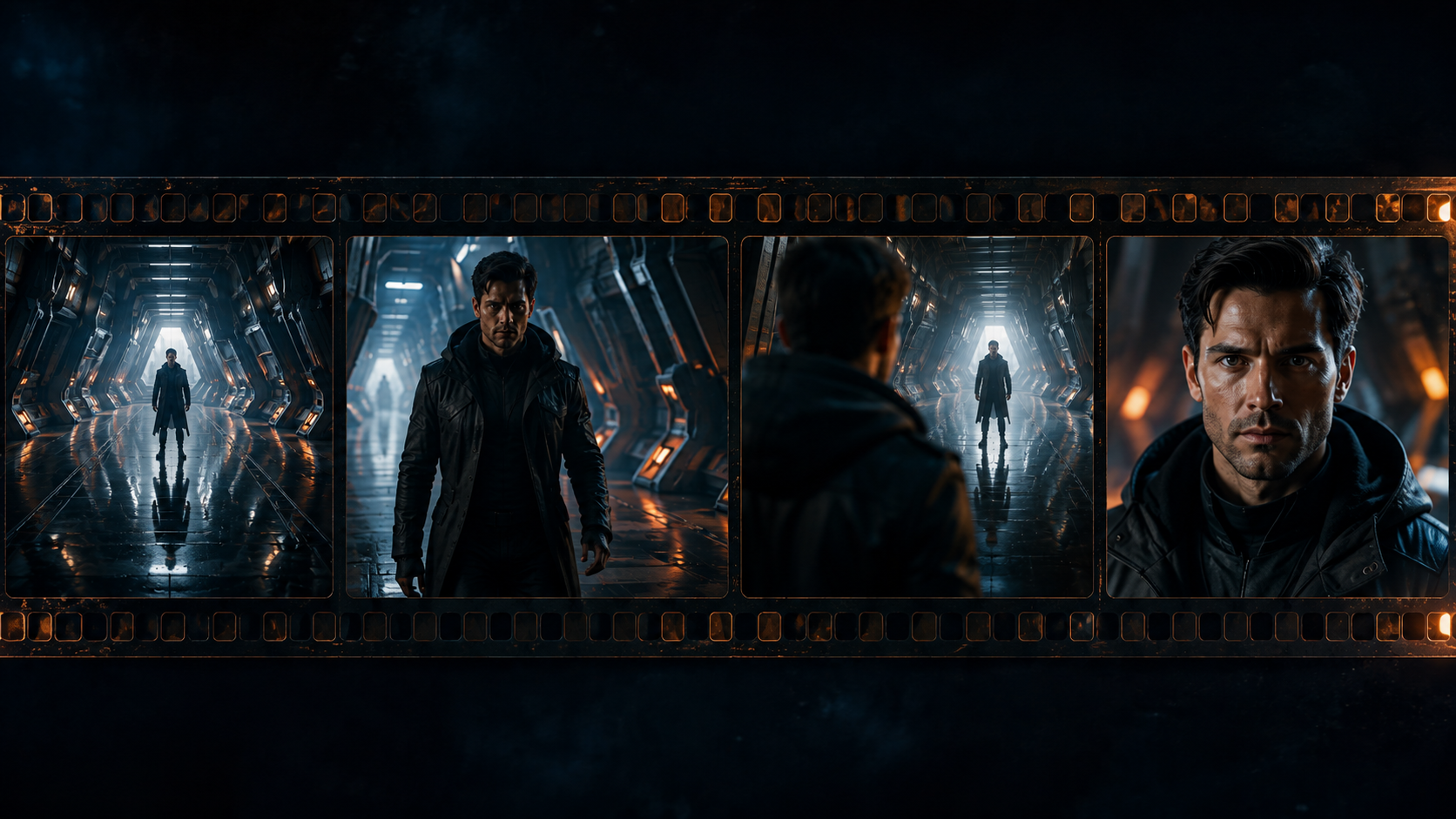
The result is less visual randomness and more intentional continuity.
And that is ultimately what separates an impressive AI clip from a sequence that actually feels like part of a film.
Experiment Without Collecting More Subscriptions
Creative experimentation becomes harder when every model lives behind another monthly subscription.
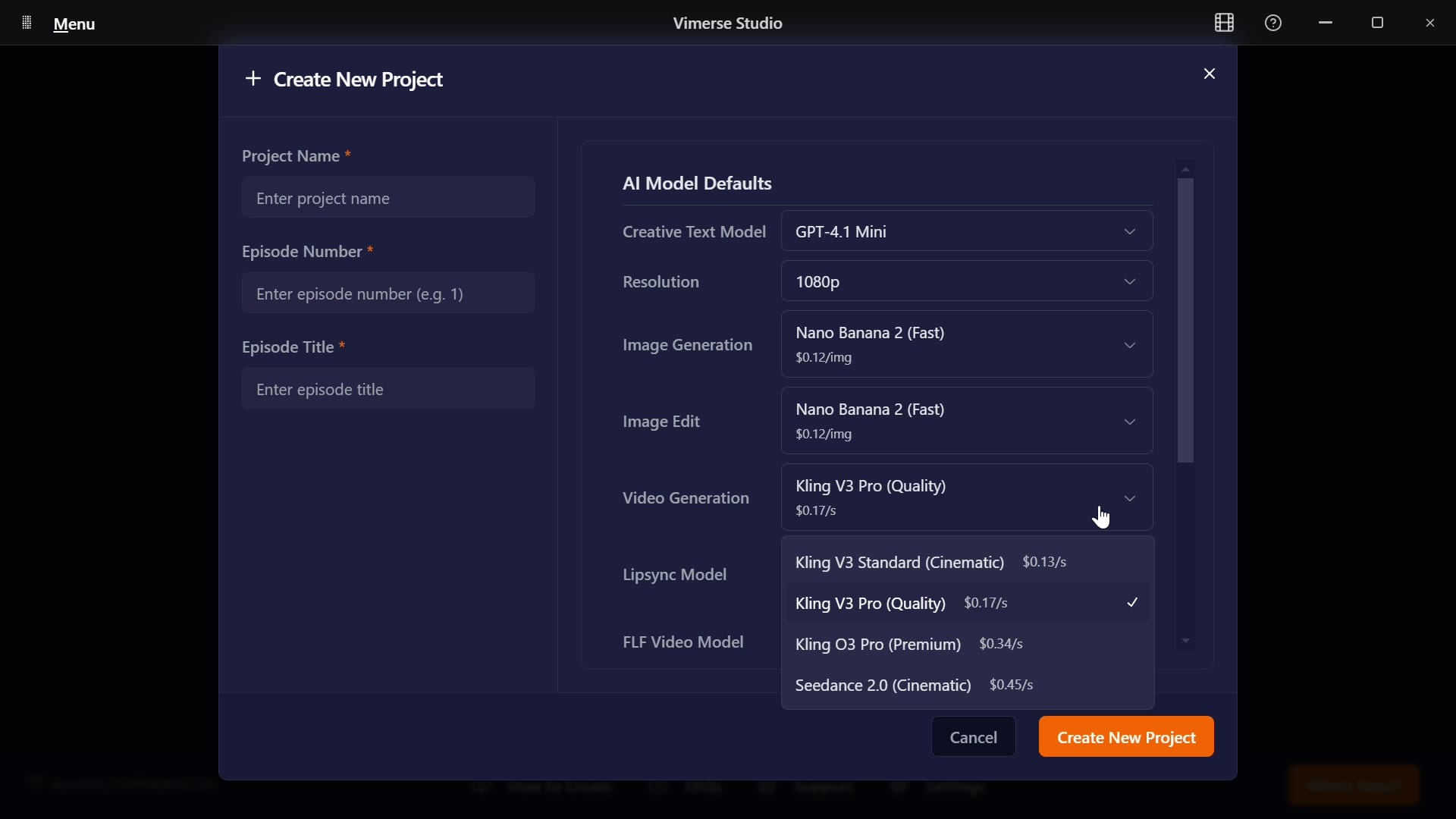
Vimerse Studio avoids that structure. The desktop application is a one-time purchase, with Standard at $49 and Pro at $299. Generations are then paid for based on actual usage.
Before generating, you can also see the per-second price of your selected model.
That means you can compare models, test different approaches, and know what a generation will cost before committing to it rather than trying to translate an abstract pile of credits afterward.
AI Should Take Direction, Not Take Over
AI models will keep getting better at generating beautiful video.
But beautiful generations alone don't make someone a filmmaker.
The real creative leap happens when you can decide where the camera starts, where it ends, how your character looks, how the scene feels, and how one shot connects to the next.
That is the direction Vimerse Studio is moving toward: less time managing tools and more time actually directing what happens on screen.
Because the best AI filmmaking workflow isn't the one that generates the most.
It's the one that gives you the most control over what gets generated.
Try Vimerse Studio free at https://vimerse.app.