6 AI Filmmaking Techniques to Master Your Video Workflow
AI filmmaking shouldn’t mean juggling 10 different tools. Discover how Vimerse Studio brings scripts, characters, AI video, voiceovers, and editing into one seamless workflow, helping creators turn ideas into polished films faster.
AI filmmaking has grown up fast. We have moved beyond the days of generating strange two-second clips just because we could. Today, creators are directing characters, designing cinematic shots, controlling camera movement, and building entire stories with AI.
But there is a catch. Making a great AI film still feels unnecessarily complicated.
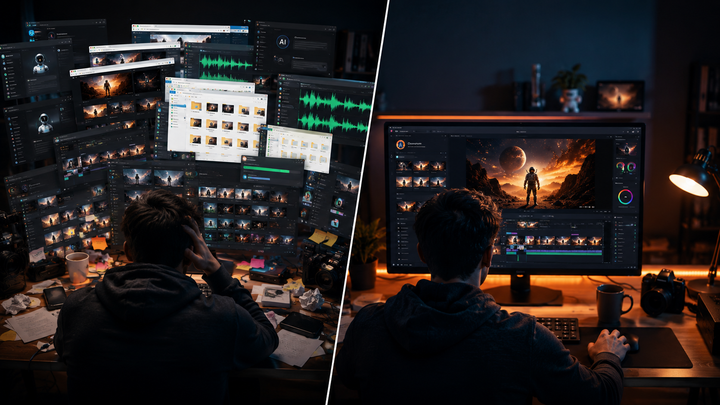
You write your script in one app, generate images in another, animate them somewhere else, create the voiceover on another platform, and eventually dump everything into editing software. Before you know it, you have 12 browser tabs open, a folder called “final_final_v3,” and absolutely no idea which clip belongs where.
The technology is getting smarter. The workflow needs to catch up.
That is exactly where Vimerse Studio comes in. Instead of being another AI generator to add to your collection, Vimerse Studio brings the filmmaking process together in one desktop application, giving solo creators a clearer path from idea to finished film.
1. Choose Your Models Before You Start Creating
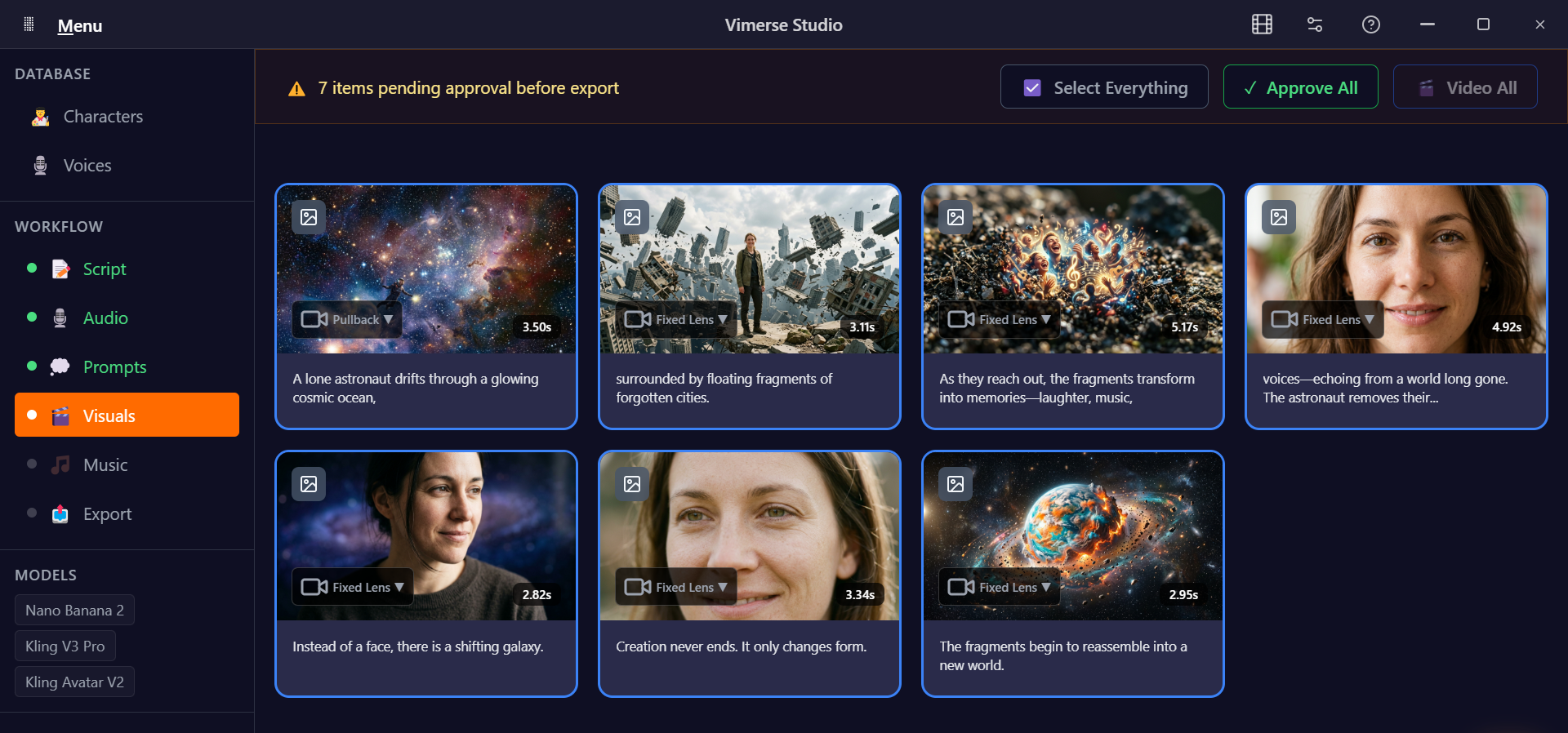
One of the easiest ways to lose consistency is to make creative decisions shot by shot. Vimerse Studio lets you choose your image and video models at the beginning, including options such as Flux, Imagen, Seedream, Recraft, Qwen, Nano Banana, Veo, Kling, Seedance, and OmniHuman.
Think of it as choosing your filmmaking toolkit before stepping onto set. Once those decisions are made, you can spend less time wondering which platform to open next and more time thinking about what the film should actually look like.
2. Build Your Character Before Building Your Scenes
Character inconsistency is one of those AI filmmaking problems you do not notice until it ruins an otherwise great sequence. Your protagonist looks perfect in scene one, slightly different in scene three, and somehow has a completely new face by scene six.
Vimerse Studio lets you define characters early so their appearance can remain consistent throughout the project. It sounds like a small workflow change, but for narrative filmmaking, it can make the difference between a collection of AI clips and something that actually feels like a film.
3. Let the Story Drive the Visuals
A beautiful AI-generated shot means very little if it does not serve the story. That is why the workflow moves into scripting before you start endlessly generating visuals. You can write your own script inside Vimerse Studio or use AI to help develop and refine it.
From there, the platform can turn your script into detailed visual prompts for each shot. Instead of spending hours figuring out exactly how to describe every camera angle, environment, lighting setup, and character action, you have a starting point that is already connected to your story.
4. Build the Voice Into the Film Early
Voiceover is often treated as something to figure out after the visuals are generated. That can create a painful editing problem later when the timing of your shots does not match the dialogue.
Vimerse Studio integrates ElevenLabs voices across 11 languages, allowing you to create your audio within the same workflow. Lipsync is also supported, making it easier to build scenes around dialogue rather than forcing the dialogue into scenes that were never designed for it.
5. Go From Image to Motion With More Control
Instead of jumping straight into expensive video generations and hoping for the best, Vimerse Studio first generates images that establish your composition and framing. Once the shot looks right, it can then be converted into video using your selected model.
That extra checkpoint matters. AI filmmaking becomes much more intentional when you can evaluate the frame before asking a video model to bring it to life.
6. Stop Rebuilding Your Film in Premiere Pro
This might be one of Vimerse Studio's most useful features for serious creators.
Normally, finishing an AI film means downloading dozens of clips, importing them into Premiere Pro, arranging everything manually, trimming each generation, and then trying to sync the entire sequence with your voiceover. It is the kind of repetitive work that can turn an exciting creative session into an afternoon of dragging files around.
Vimerse Studio can export your project as a Premiere Pro XML file.
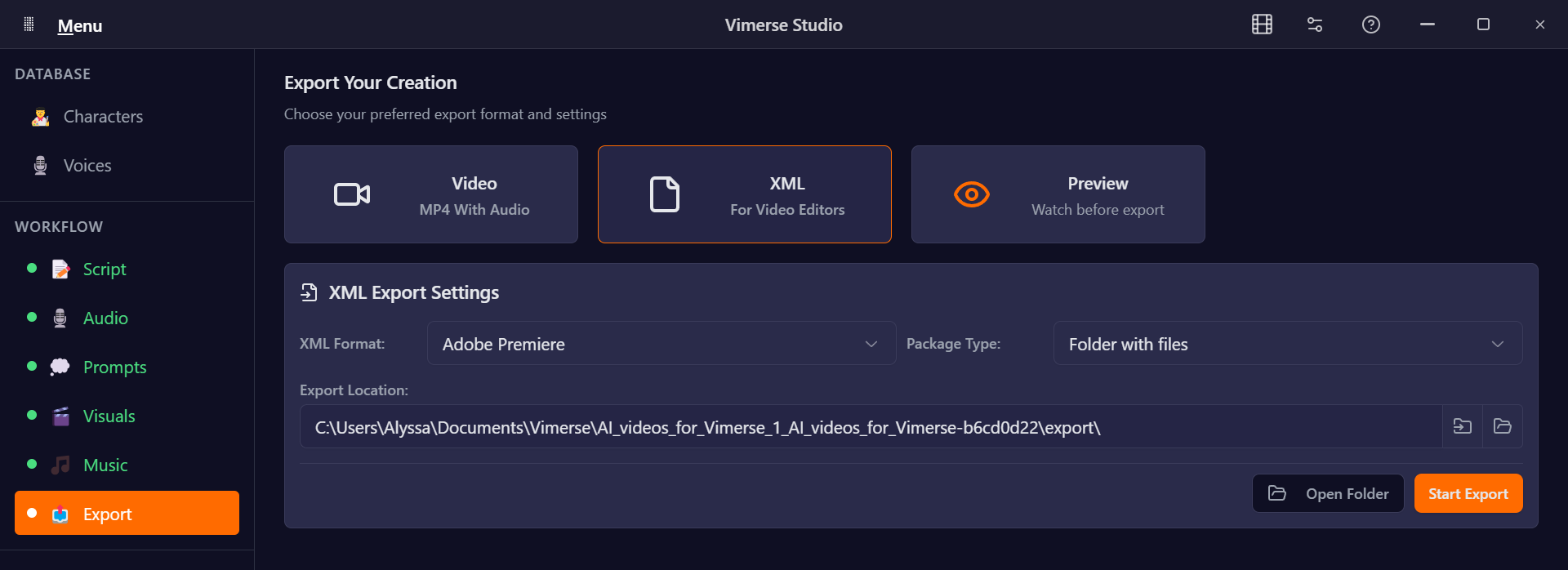
Import that XML into Premiere Pro and the structure of your project comes with it, including your sequenced clips and voiceover. Instead of rebuilding the movie from scratch, you can get straight into the parts of editing that actually deserve your attention: sound design, color grading, VFX, pacing, and polish.
You can also export directly to MP4 when you simply want the finished video.
And Then There Is the Subscription Problem
If you have spent any time experimenting with AI filmmaking, you probably already know how quickly the subscriptions pile up. An image generator here, a video model there, another subscription for audio, and suddenly your “affordable” AI filmmaking setup has its own monthly operating budget.
Vimerse Studio takes a different approach. There is no monthly subscription for the desktop app. Standard costs $49 and Pro costs $299 as a one-time purchase, while generations are paid for based on actual usage.
Even better, you can see the per-second generation price before you generate. No mysterious credit math or wondering how much of your monthly allowance one experiment just consumed.
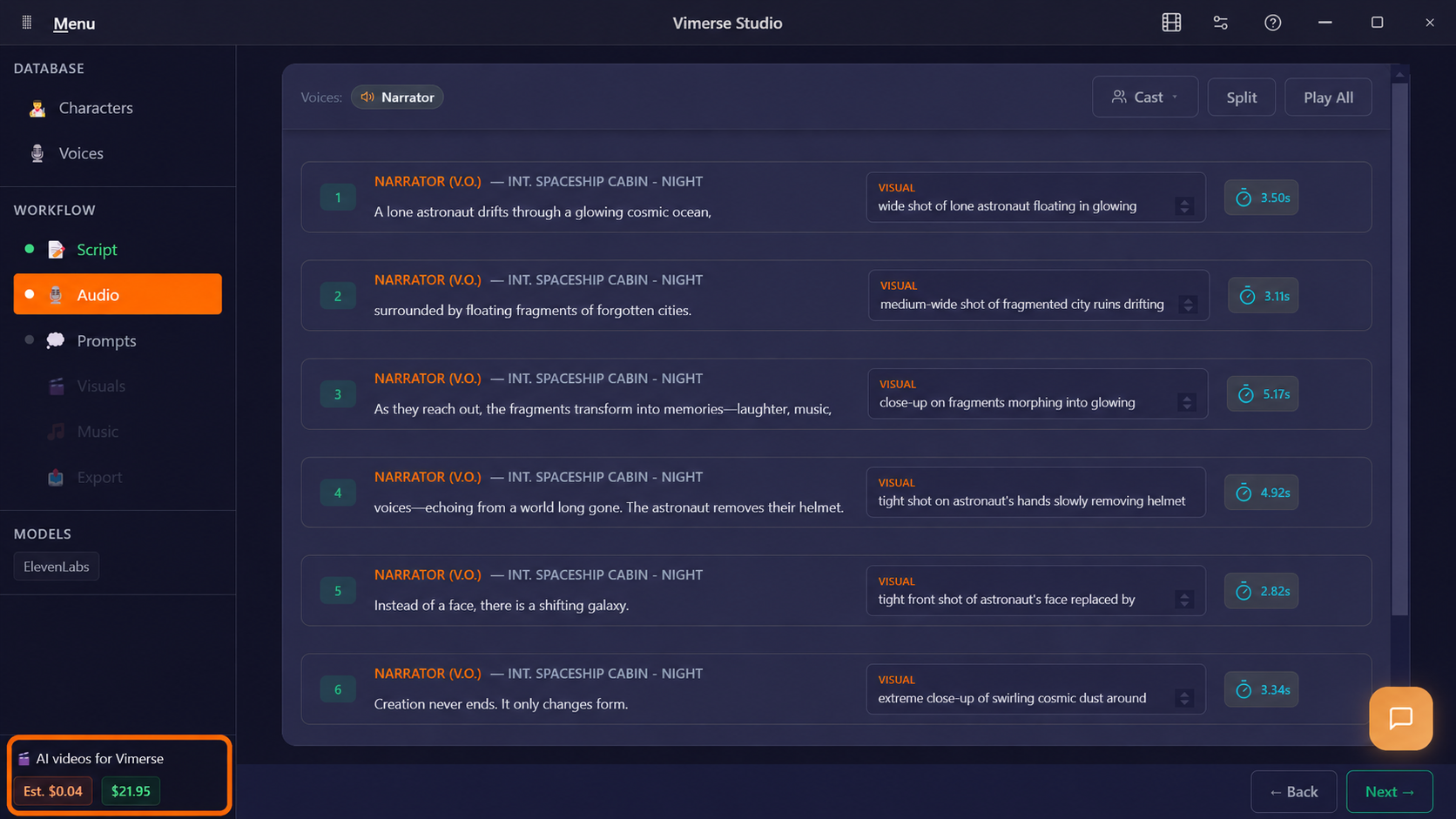
For creators who work in bursts, that model makes a lot of sense. Create heavily when inspiration strikes, take a break when it does not, and pay for the generations you actually use.
The Best AI Filmmaking Tool Might Be a Better Workflow
The next leap in AI filmmaking may not come from another model capable of producing slightly prettier pixels. It may come from finally making all of these incredible models easier to use together.
That is what makes Vimerse Studio interesting. It treats AI filmmaking less like a collection of generators and more like an actual production process, connecting characters, scripts, voices, prompts, visuals, video, and editing into one workflow.
Because when the tools stop getting in the way, you can finally spend more time on the part that matters: making something worth watching.
Try Vimerse Studio free at https://vimerse.app.